Getting started
Install
Requires Python 3.10+ and wxPython 4.2+.
pip install wxdiagram
From source with uv:
git clone https://github.com/abulka/wxdiagram.git
cd wxdiagram
uv sync
Hello canvas
import wx
import wxdiagram

app = wx.App(redirect=False)
frame = wx.Frame(None, title="wxdiagram minimal", size=(600, 400))

canvas = wxdiagram.ShapeCanvas(frame)
canvas.SetDiagram(wxdiagram.Diagram())

shape = wxdiagram.RectangleShape(100, 100, 300, 200)
shape.AddText("hello world")
canvas.InsertShape(shape, 999)

frame.Show()
canvas.update_virtual_size()
app.MainLoop()
Connect two shapes
left = wxdiagram.Block()
left.label = "Left"
canvas.AddShape(left)

right = wxdiagram.Block()
right.label = "Right"
canvas.AddShape(right)

canvas.join_shapes(left, right)
The edge is attached to both shapes and routed through their perimeters, so it follows them when they move.
Save and load
diagram.Save("diagram.json")
loaded = wxdiagram.Diagram.Load("diagram.json")
canvas.SetDiagram(loaded)
Run the demos
Three runnable demos ship with the package:
# Kitchen-sink tour of the canvas API: UML-style boxes, composites,
# shape gallery, bitmaps, captions, menus, save/load and zoom.
uv run python -m wxdiagram.demo

# Shape Studio-style editor with a properties panel, shape tools,
# grouping and connection dots.
uv run python -m wxdiagram.shapesdemo

# Small graph playground: run the spring layout, randomise sizes and
# switch edge routing modes.
uv run python -m wxdiagram.layoutdemo
All three are also available through the helper scripts:
./bin/run
./bin/run-shapes
./bin/run-layout
What the demos look like
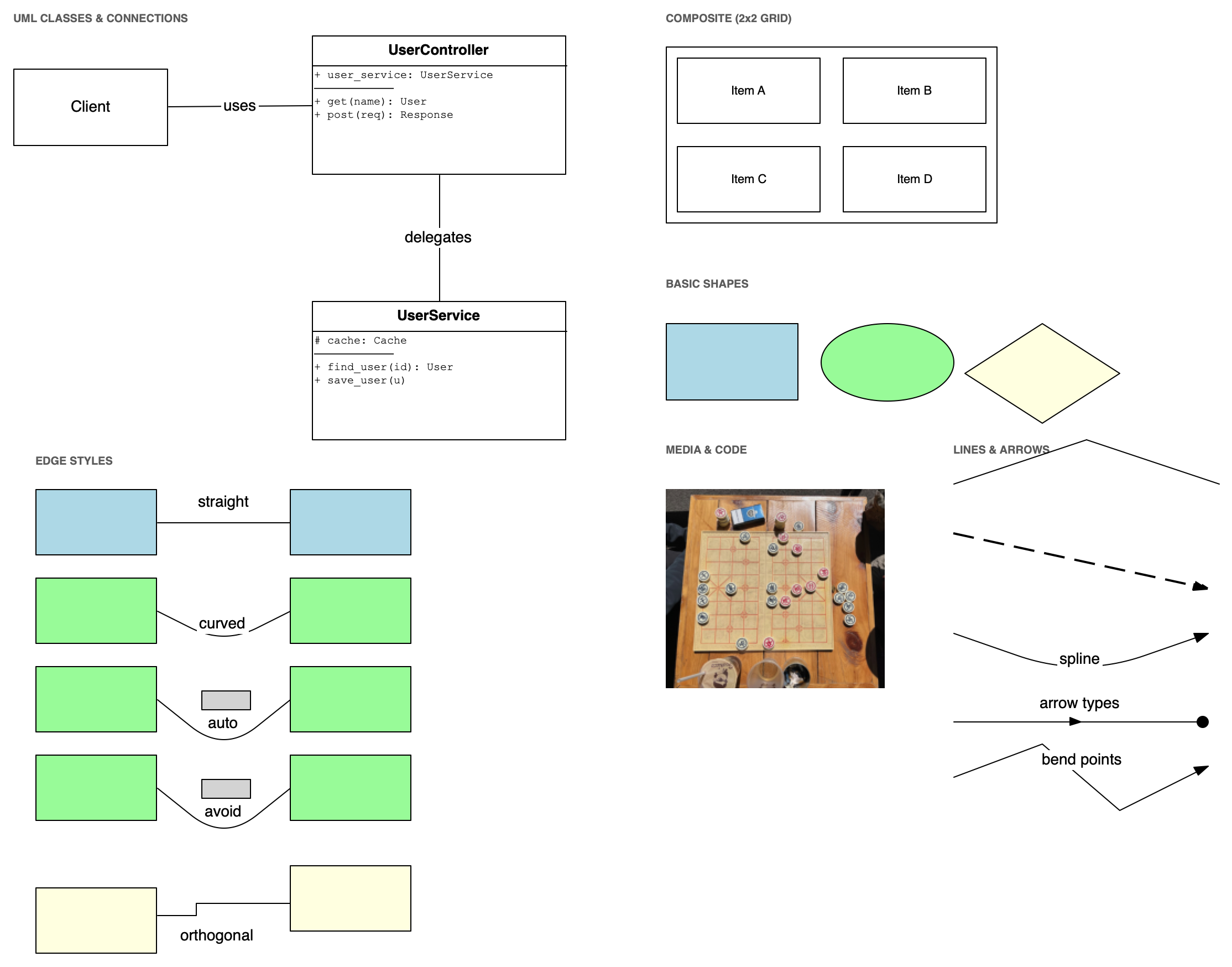
Kitchen sink: UML-style boxes, composites, shapes, bitmaps, captions and edge styles.
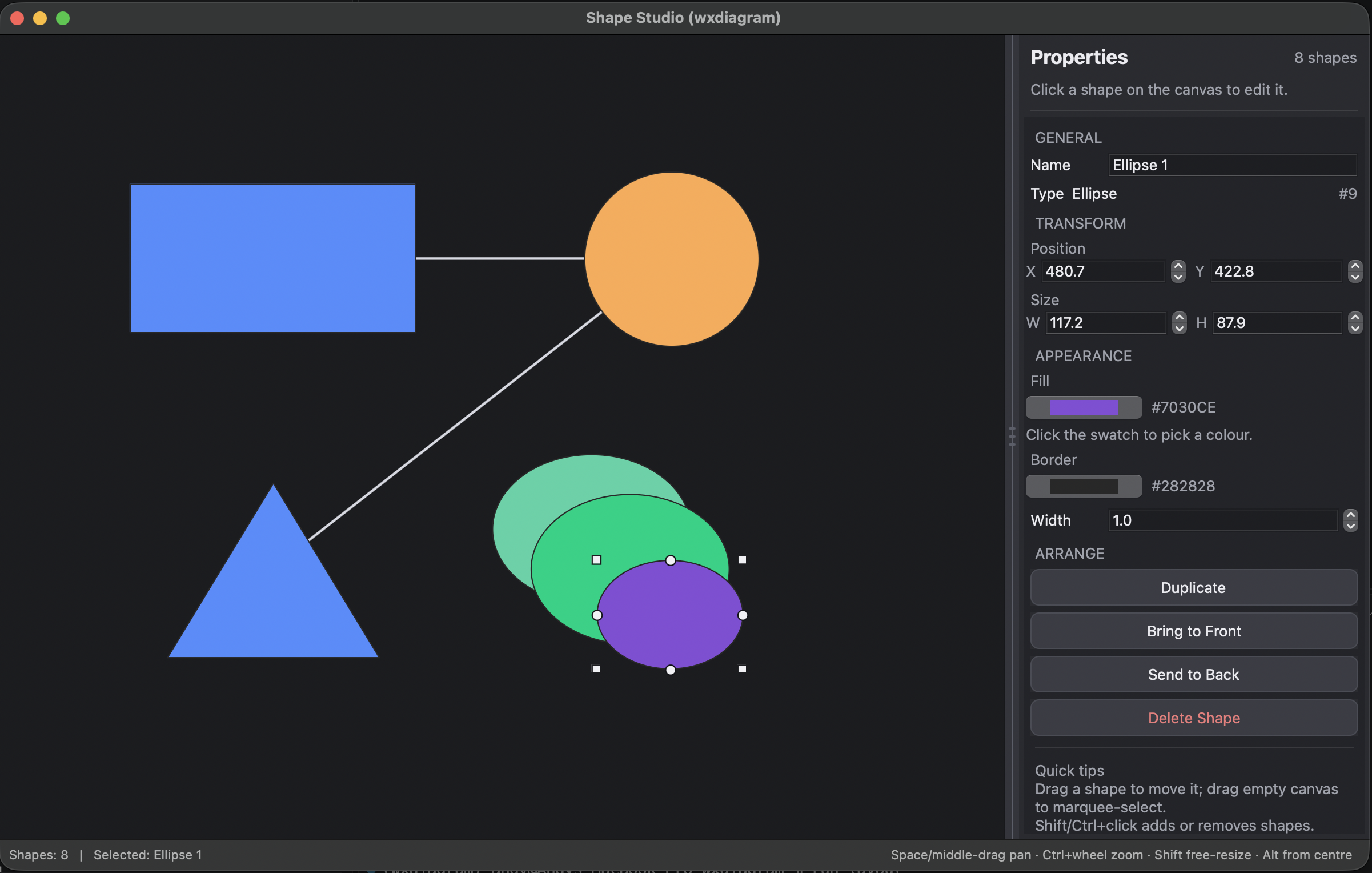
Shape editor: properties panel, shape tools, connection dots and themes.
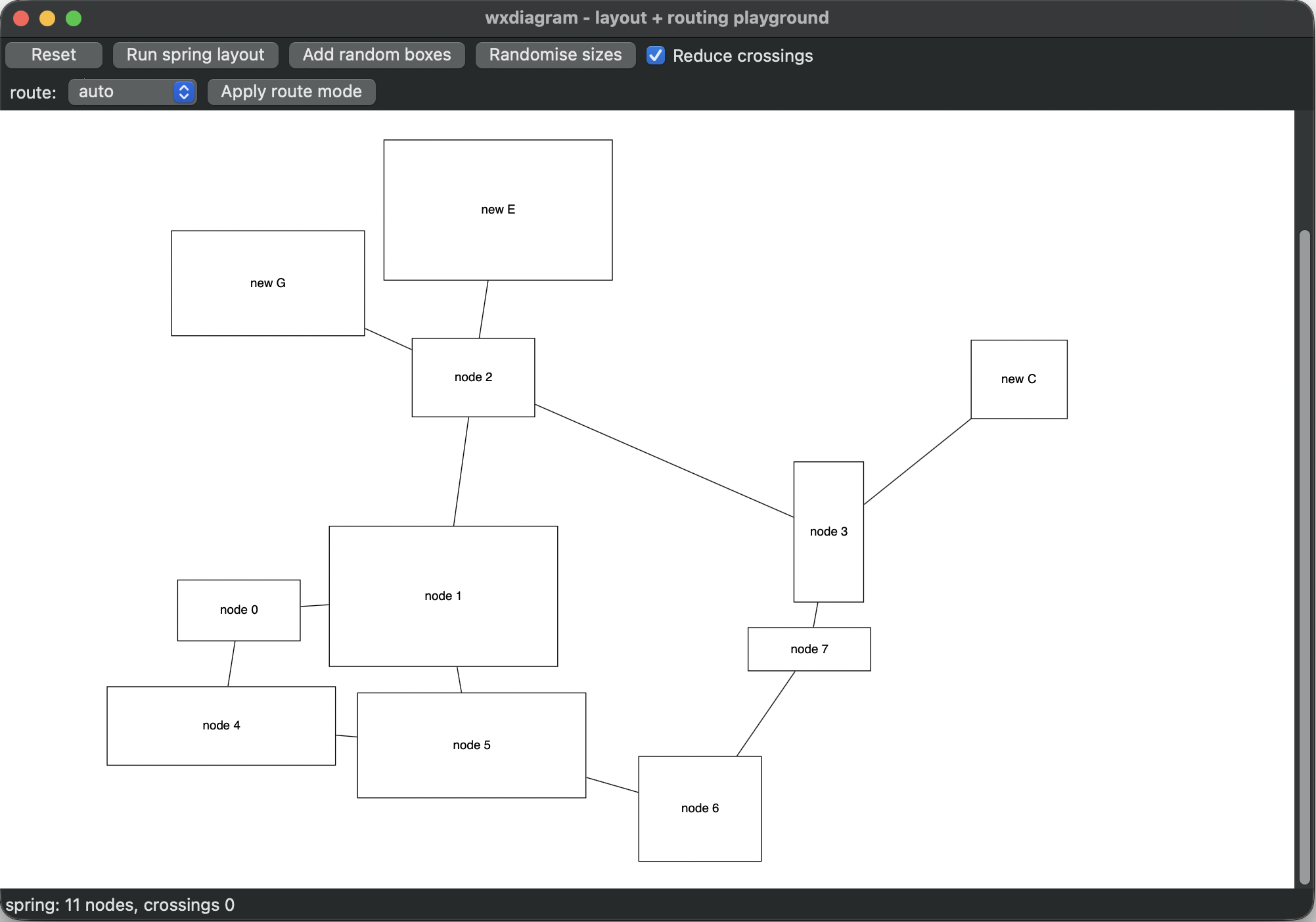
Layout playground after Run spring layout.
The two window screenshots are regenerated with:
uv run python bin/make-demo-screenshots
The layout tutorial walks through applying a layout and routing edges in your own app.